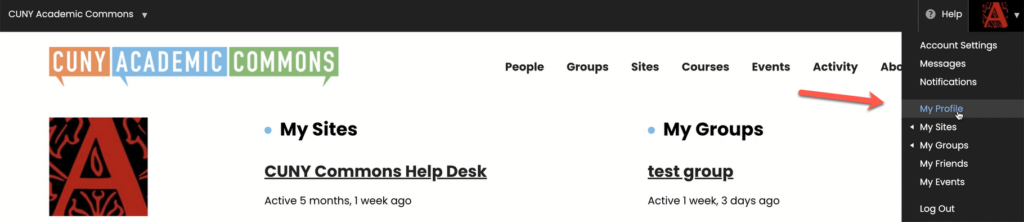
When you are logged in, your Commons Profile Tab can be accessed via the “My Profile” option when you hover over your profile photo in the upper right hand corner. The tab displays information very similar to the information you see if you clicked on Commons members’ hyperlinks – it shows recent their activity, the sites and groups they belong to, their friends, events, and papers.
This Commons Profile Tab is an easy way to access all your current work (and your friends’ work) on the Commons.
From this Commons Profile Tab you may access the following sub tabs:
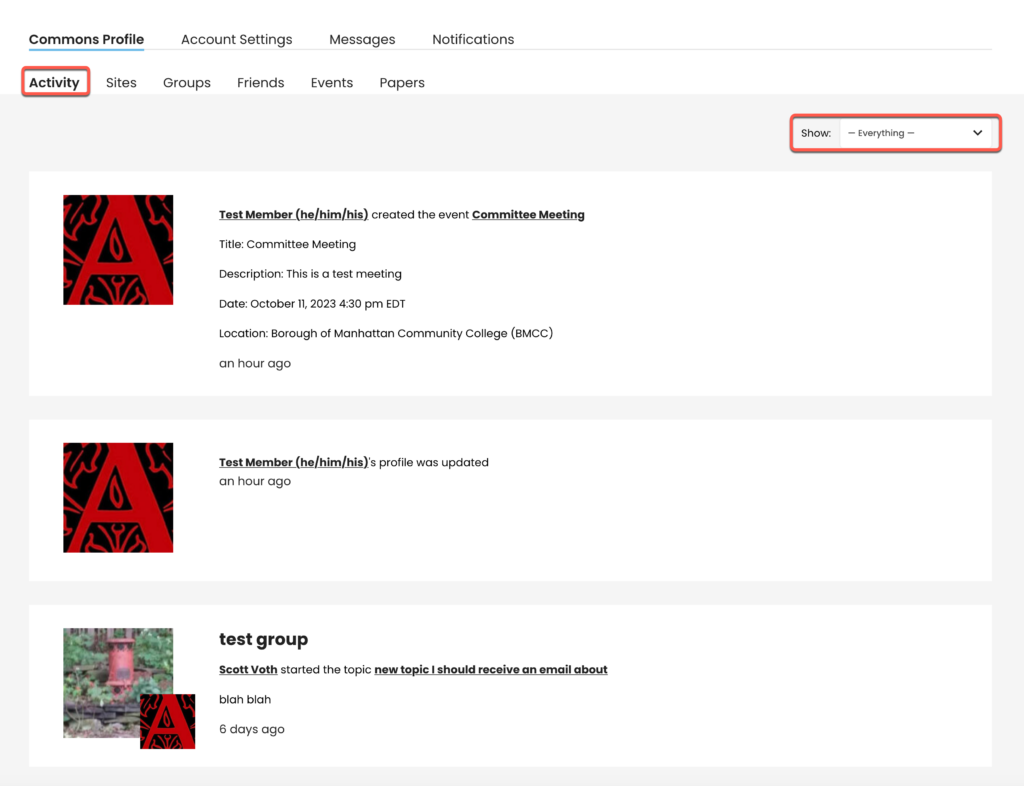
- Activity – View your recent activity. This displays everything you’ve done on the Commons. Everything displayed here will have relevance to you, in reverse chronological order.
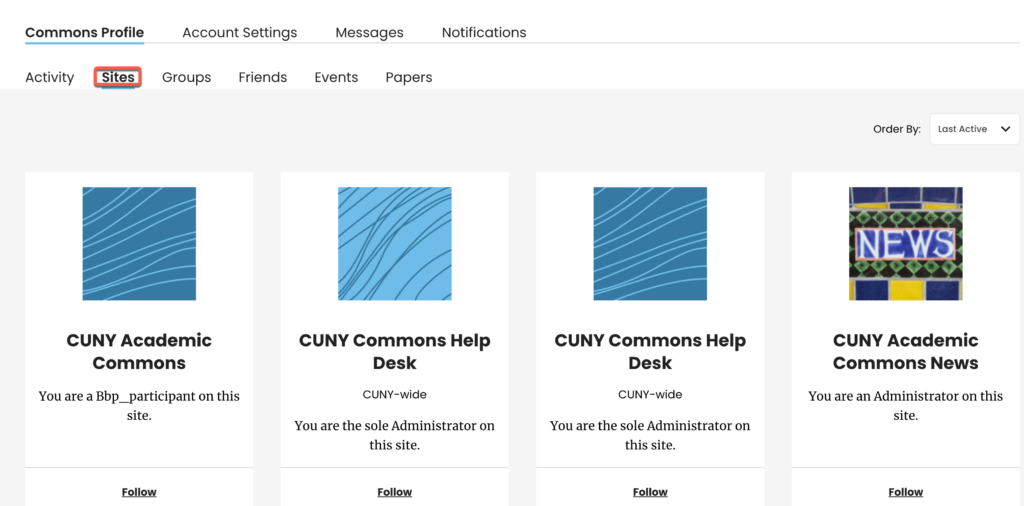
- Sites – View and access the sites that you belong to. This makes it easier to access content that you recently worked on:
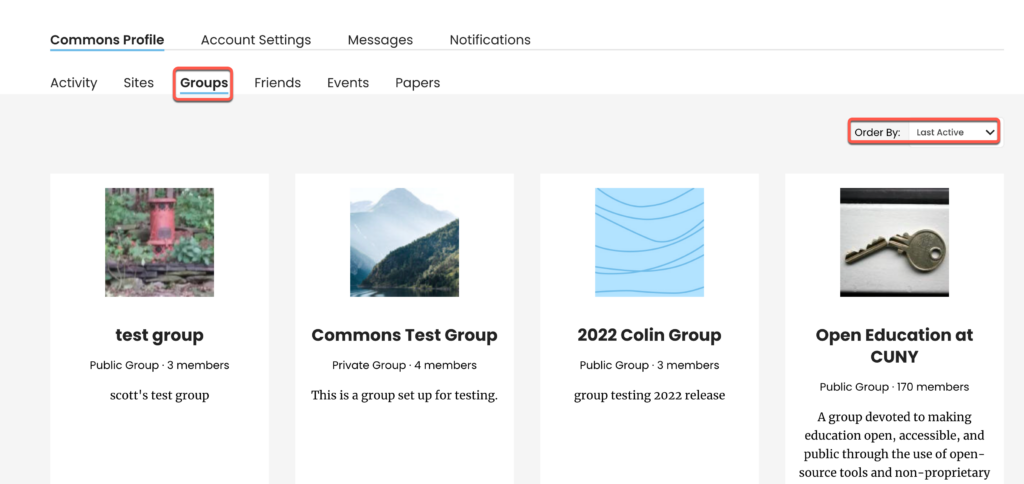
- Groups – View and access the groups you belong to:
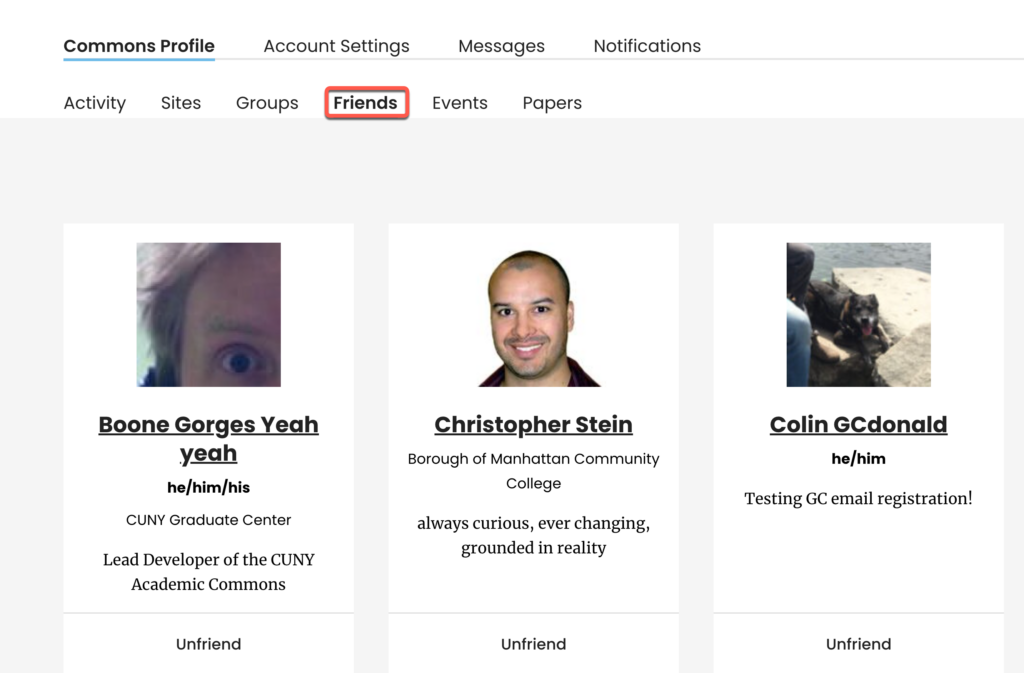
- Friends – View and communicate with the friends you have made on the Commons:
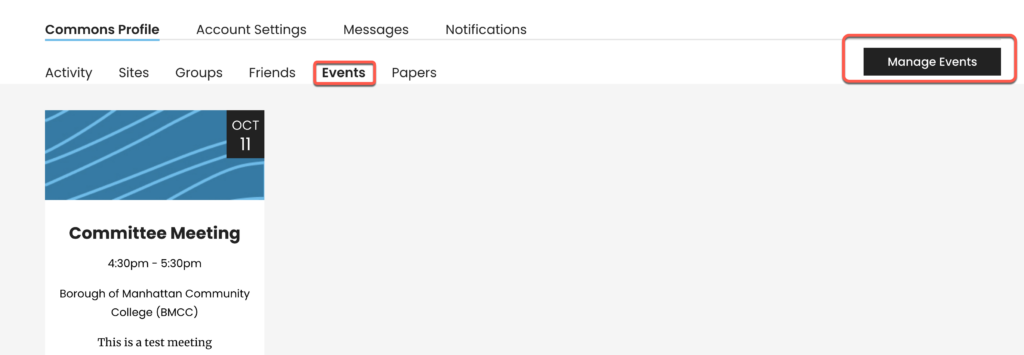
- Events – View any of your upcoming events:
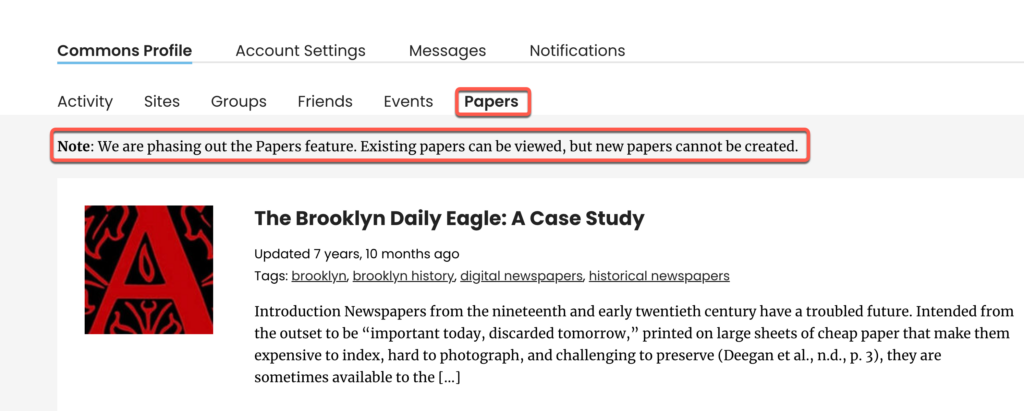
- Papers – View your papers, if you have created any (the option to create new papers is no longer available):