

Getting Started
- Click on this link to Create a Clicky account
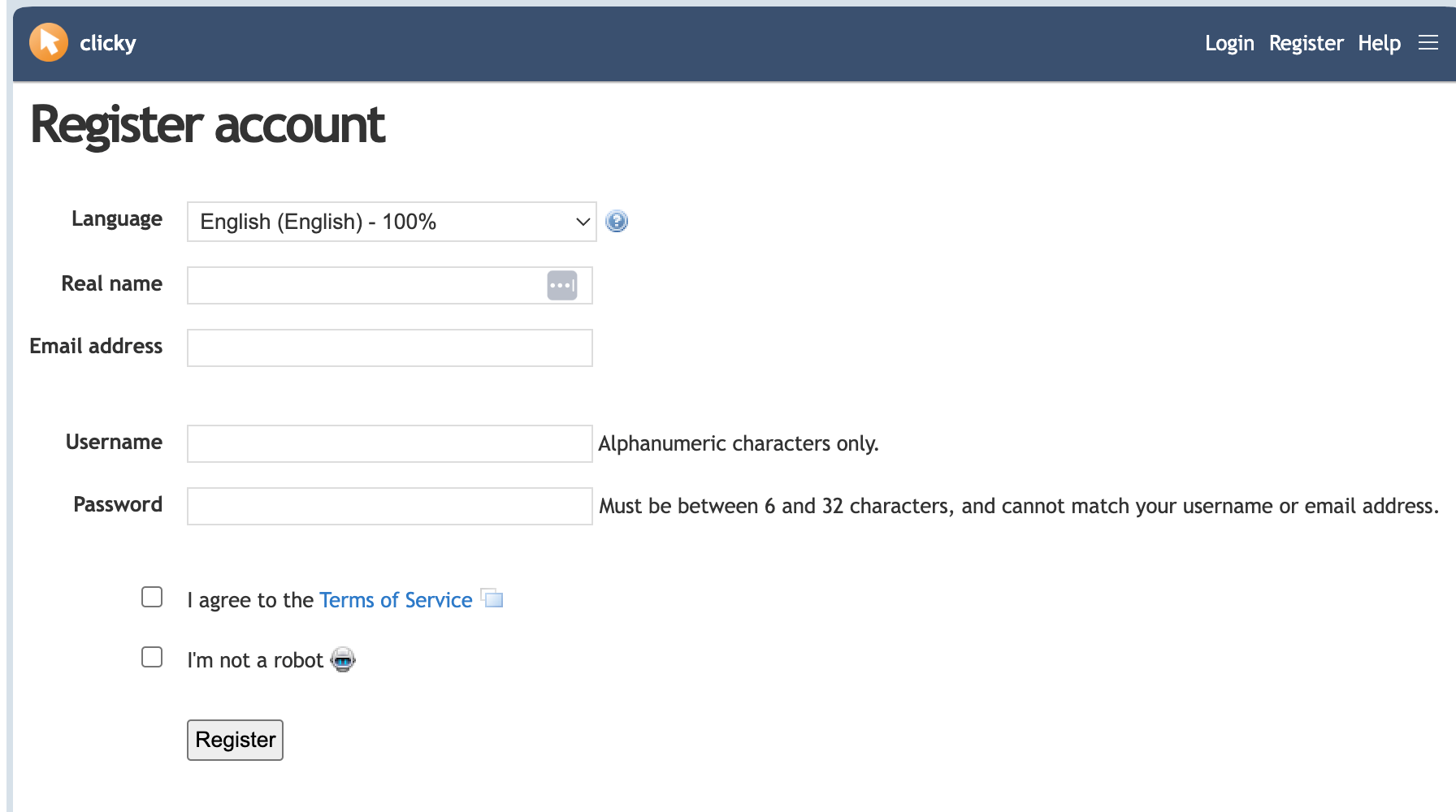
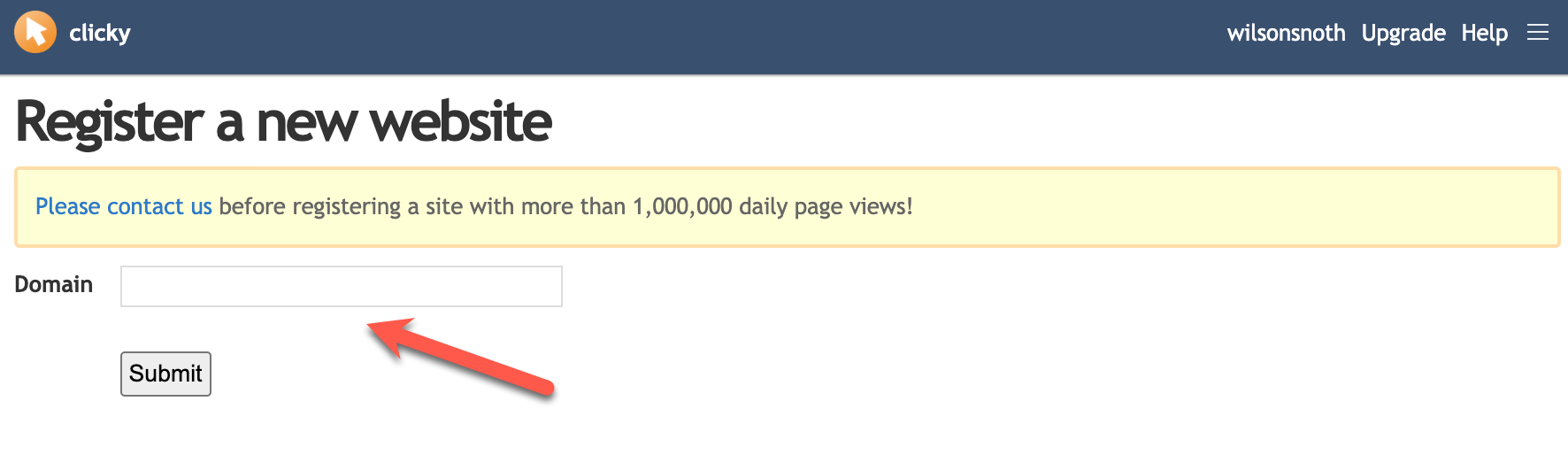
You should receive an email. Click on the link and register the URL of your Commons site. It should look something like this {sitename}.commons.gc.cuny.edu:
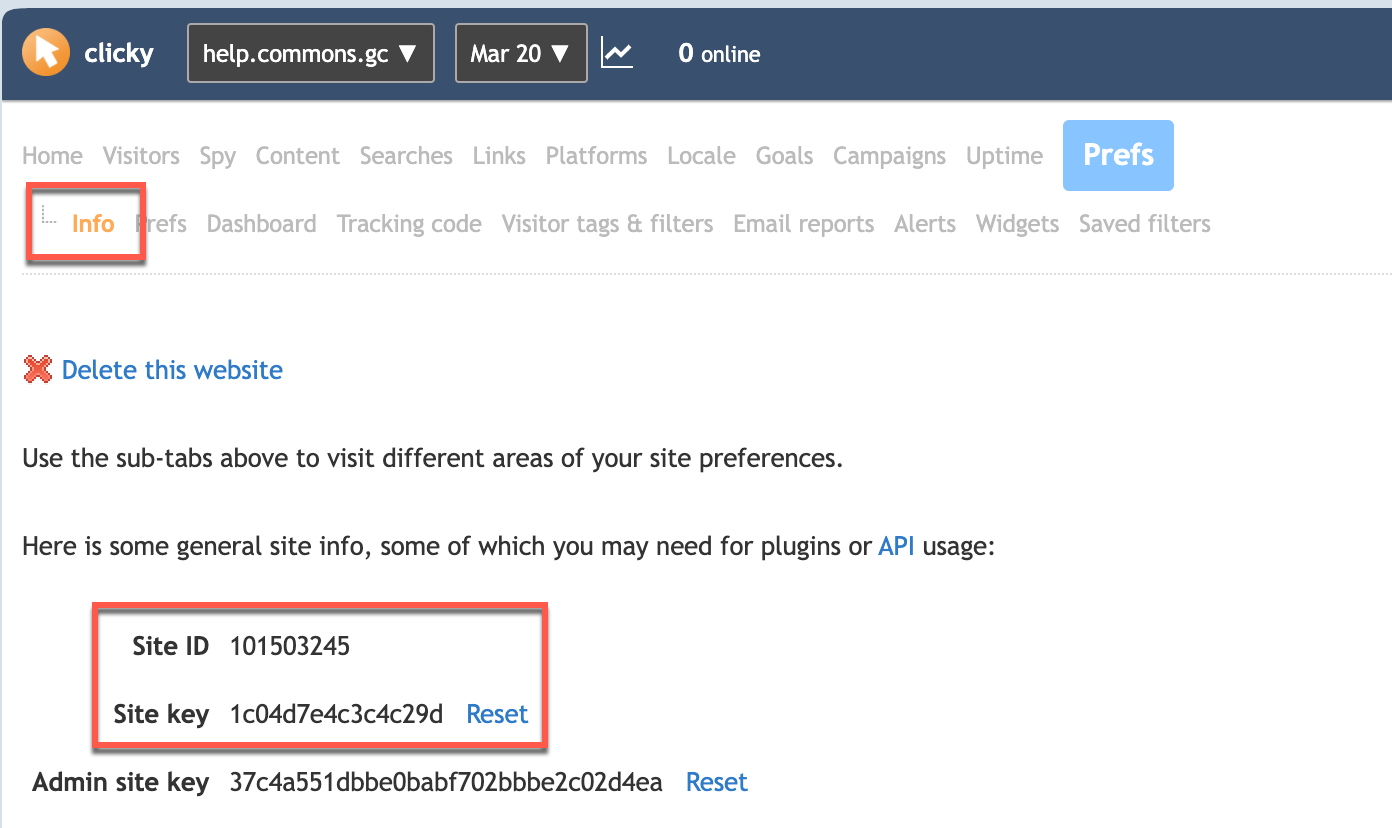
Clicky should respond with a long list of information. At this point, you can retrieve analytics directly from clicky.com by signing on to your account. If you want want to be able to conveniently see analytics directly on your site via a plugin – Click on the Info tab to get the Site ID and Site Key:
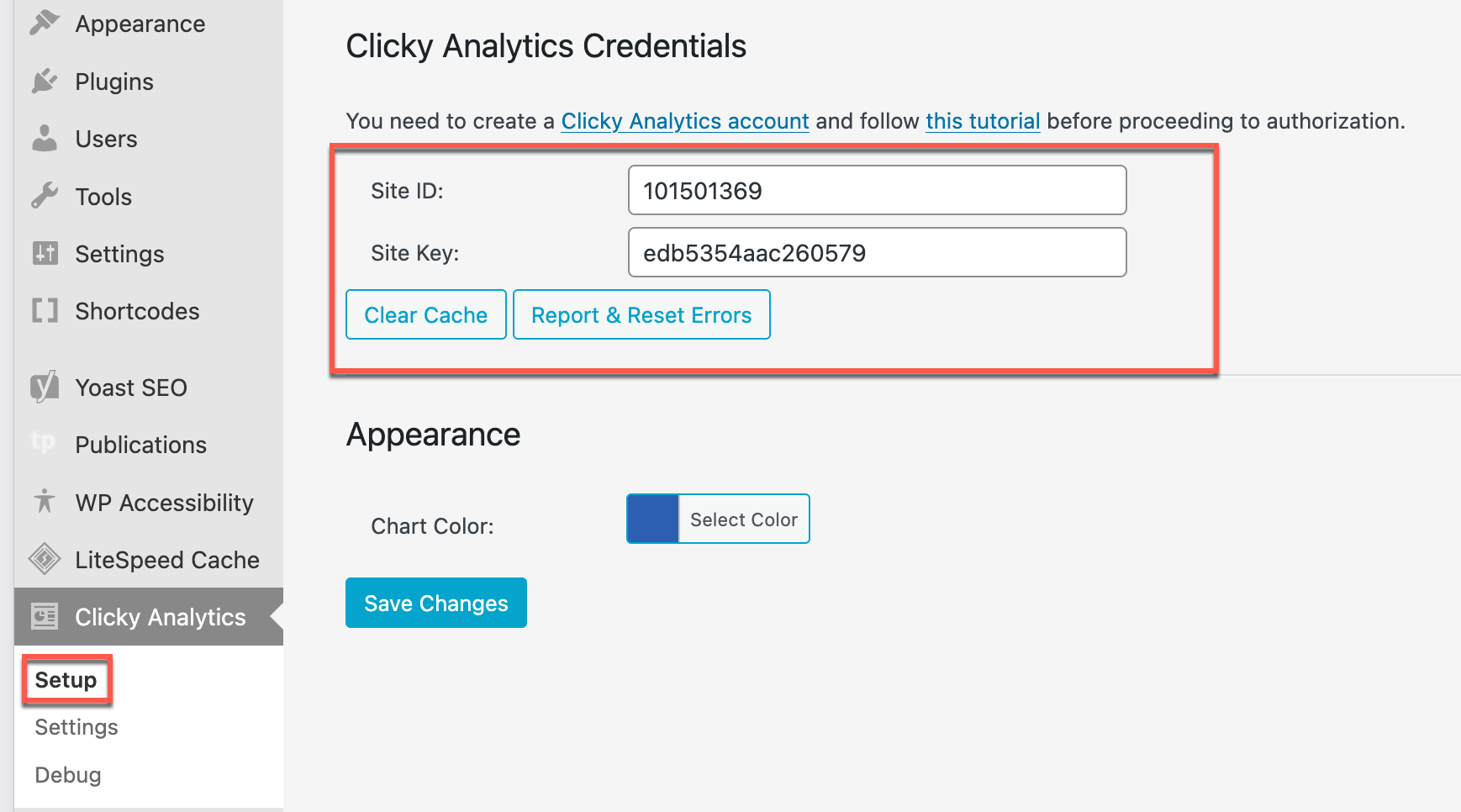
- On your site’s dashboard, install the Clicky Analytics plugin and go to Set Up. Fill in the Site ID and Site Key to complete the setup:
It might take some time (12-24 hours) for the connection to go live, but once id does, you can retrieve your site’s Analytics both from the back-end and front-end of your site.
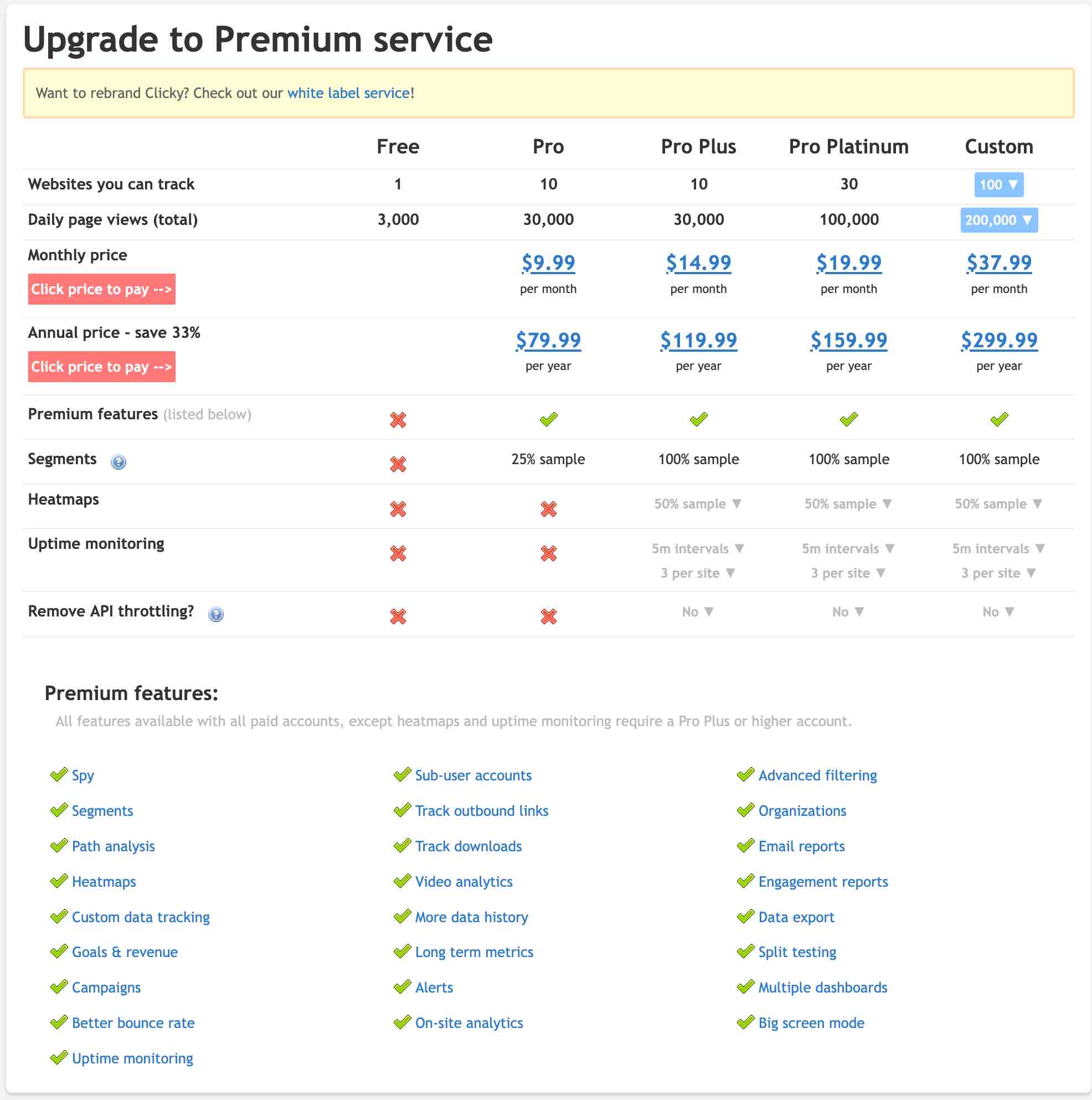
Clicky provides a free 7 day trial that exposes all its functionality. Afterwards, the free option is downgraded to a bare-bones, but simple analytic tool that probably provides what you need.
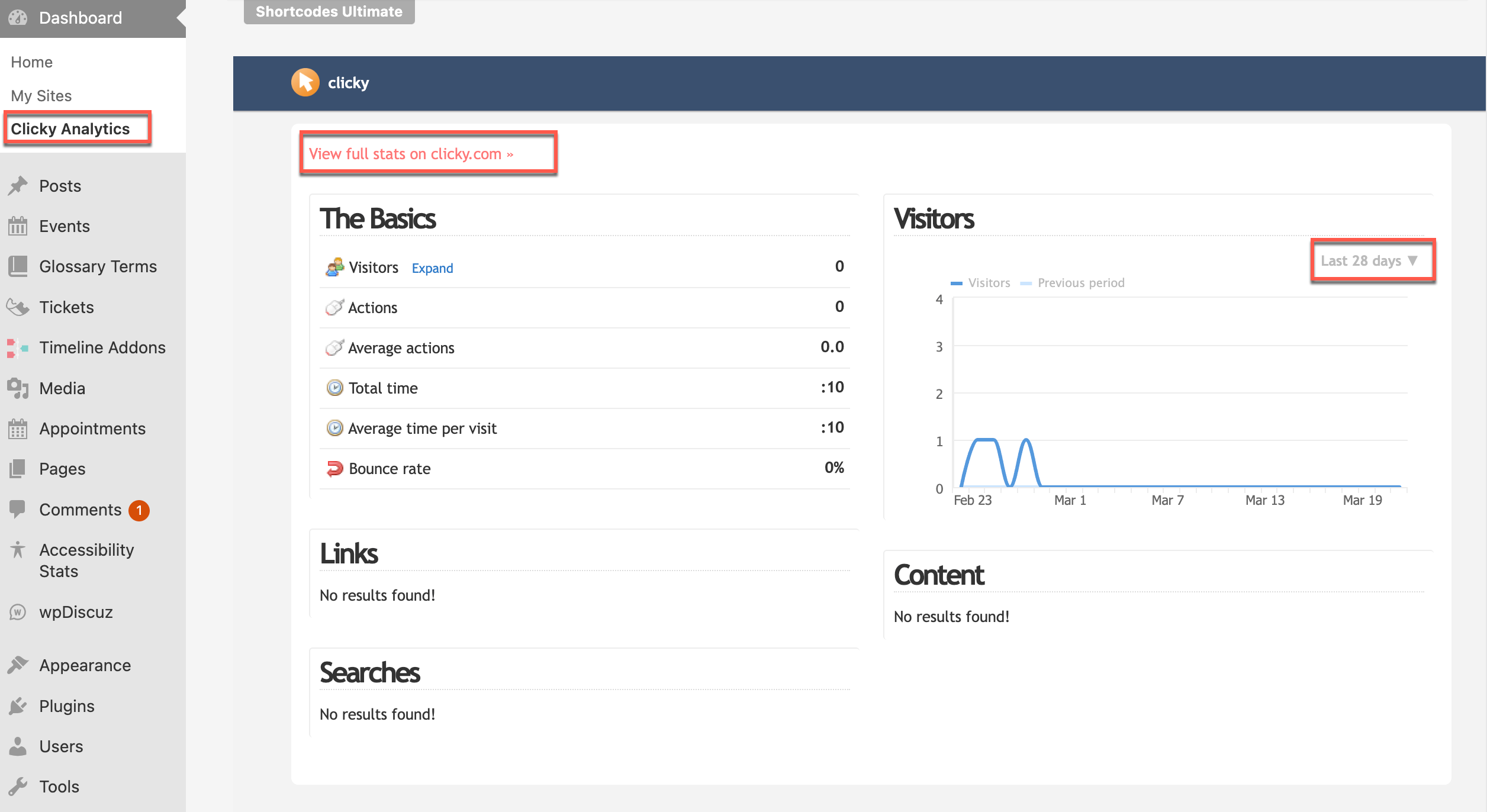
Clicky Access From the Dashboard of your Site
In the Dashboard with the Clicky Analytics plugin activated:
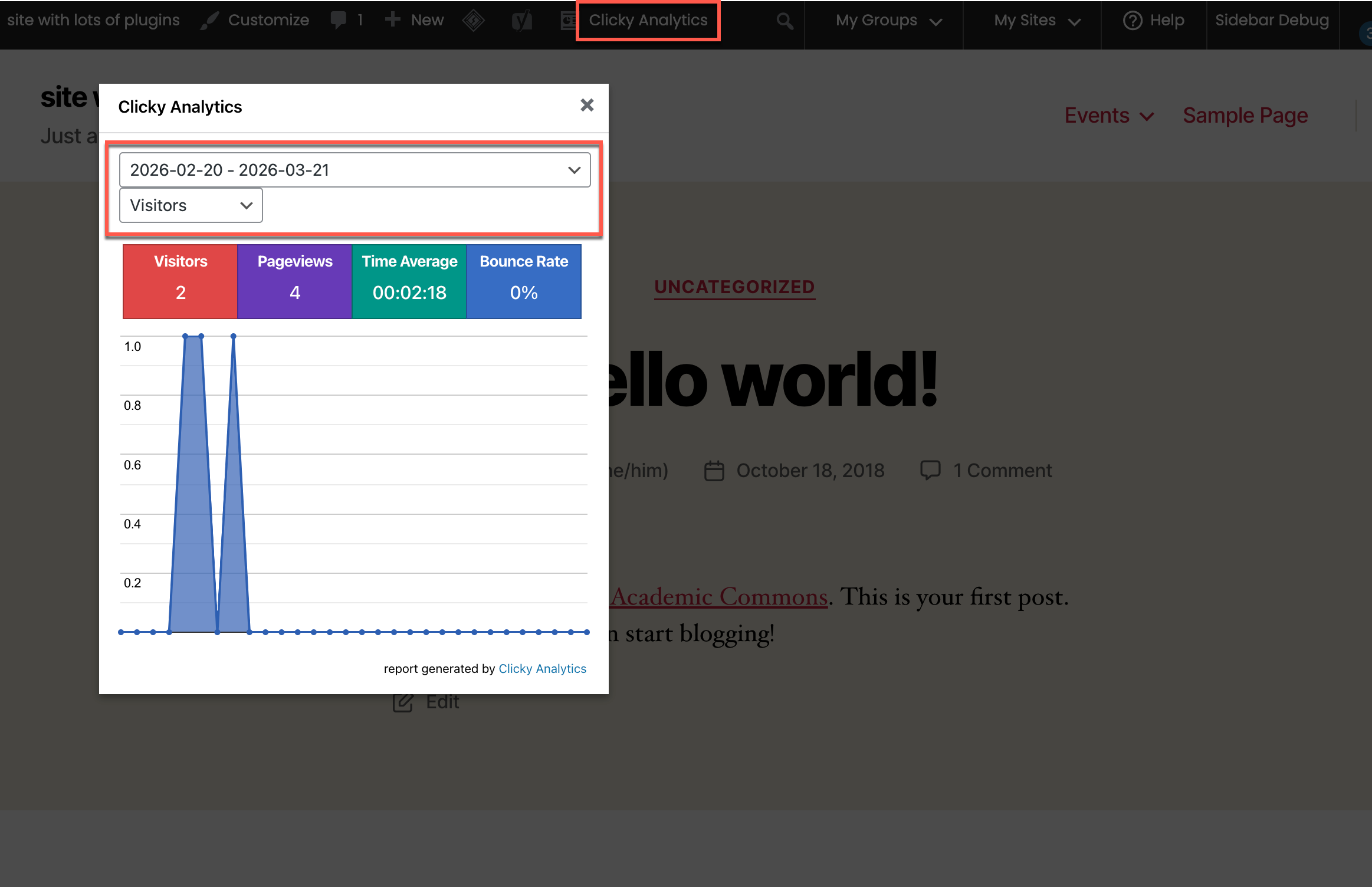
Clicky Access From Admin Bar
In the top admin bar, click on Clicky Analytics to view site statistics. This functionality can be controlled to be displayed for admins only or for a variety of user roles.
How Clicky Handles Bots
see also: https://clicky.com/blog/ai-bot-traffic
Clicky categorizes traffic from AI chatbots separately, allowing users to see which AI services are crawling their sites.
Optional Logging: While it is not recommended, users can change their site preferences to allow bot activity to be logged as “real” visitors.
Referrer Spam Prevention: Clicky actively works to filter out known spam referrers, such as those that try to boost their SEO by appearing in analytics logs.
Automatic Updates: Clicky consistently updates its internal blocklist based on reports and observed spam patterns.
Limitations: Not All Bots Are Blocked. Some sophisticated bots that behave like human users may still get through.
Discrepancies: Because Clicky is aggressive in filtering bots, its traffic figures might be lower than services that do not filter as heavily, such as GA4.

